Something not working as expected? Find your problem below. Most issues come down to a Chrome permission or the type of recording you chose.
The microphone or camera doesn't turn on
Chrome closes the PapCam popup as soon as it shows a permission prompt, so PapCam asks for access in a separate tab.
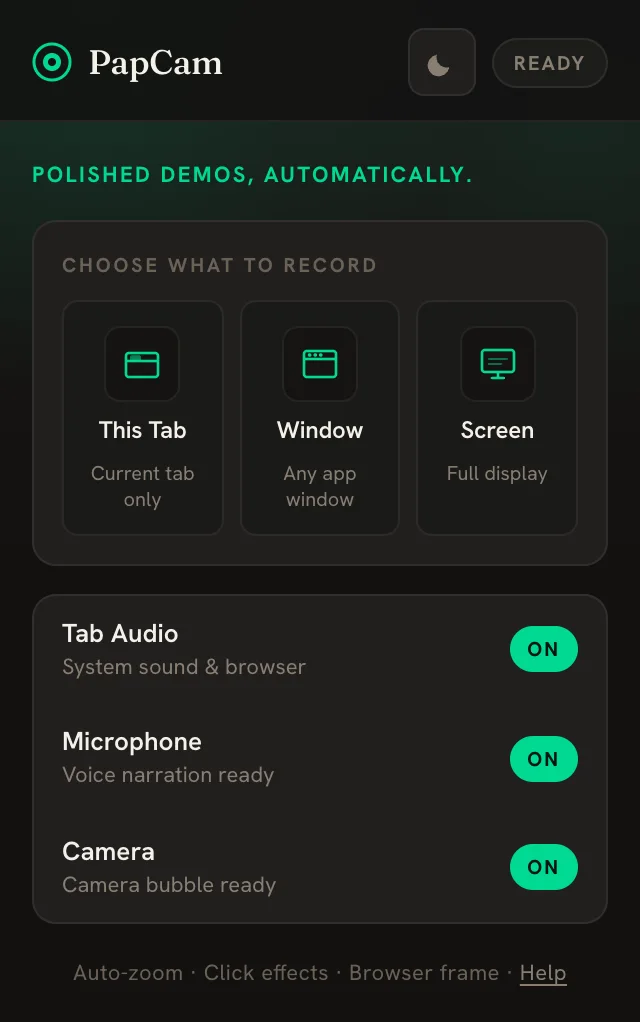
- Switch Microphone or Camera to ON in the popup. A PapCam tab opens.
- Click Allow in Chrome's prompt in that tab.
- Open the popup again. The hint should say "Voice narration ready" or "Camera bubble ready".
If no prompt appears, the device may be blocked. Open Chrome's settings for microphone and camera, make sure PapCam isn't blocked, and check that no other app is using the camera.
I can't record a page
Chrome doesn't allow extensions to capture or control its own pages — addresses that start with chrome://, the Chrome Web Store, or other extensions' pages. Open a normal website (https://…) and try again. To show browser settings in a demo, use Window or Screen mode.
The video has no sound
- Check that Tab Audio was ON in the popup when you recorded.
- In the editor, make sure the mute button is off and the Audio lane isn't hidden — both silence the export.
- Segments set to 1.5×, 2× or 4× are silent by design.
- GIF exports never have sound. Choose MP4 or WebM.
There are no zooms or no cursor
Clicks and the mouse path are recorded only for This Tab recordings. For Window, Screen or imported videos, pause the editor and click the preview to add zoom points by hand. Also check that the switch next to Zoom on clicks is on and that Show cursor is enabled.
Export is slow or stops
- WebM renders in real time — a 3-minute video takes 3 minutes. Keep the editor tab visible; Chrome slows down background tabs.
- MP4 is faster. If MP4 isn't available, update Chrome; PapCam falls back to WebM when H.264 encoding is missing.
- Close other heavy tabs during long exports.
"Couldn't save" or the project is read-only
- If a save fails, your edits stay in the editor. Click Retry in the top bar.
- If the same recording is open in two tabs, the older tab can't overwrite newer changes. Close it and continue in the newest tab.
- A project saved by a newer version of PapCam opens read-only. Update the extension to edit it.
The video is shorter than the time I recorded
That is expected if you paused: paused time is not part of the video. Also check whether a trim or deleted segment hides part of the recording on the timeline.
Frequently asked questions
Why does the popup close when I enable the mic?
Chrome closes extension popups when a permission prompt opens. PapCam opens a separate tab to ask for access instead.
Can I record chrome:// pages?
No. Chrome blocks extensions from capturing its own pages. Use Window or Screen mode to show them.
Why is MP4 not offered?
Your Chrome can't encode H.264. Update Chrome; until then PapCam exports WebM.
I closed the editor. Are my edits lost?
No. Edits save automatically. Reopen the recording to continue.
Related guides
 Getting startedInstall the extension, pick a source and record — the editor opens automatically when you stop.
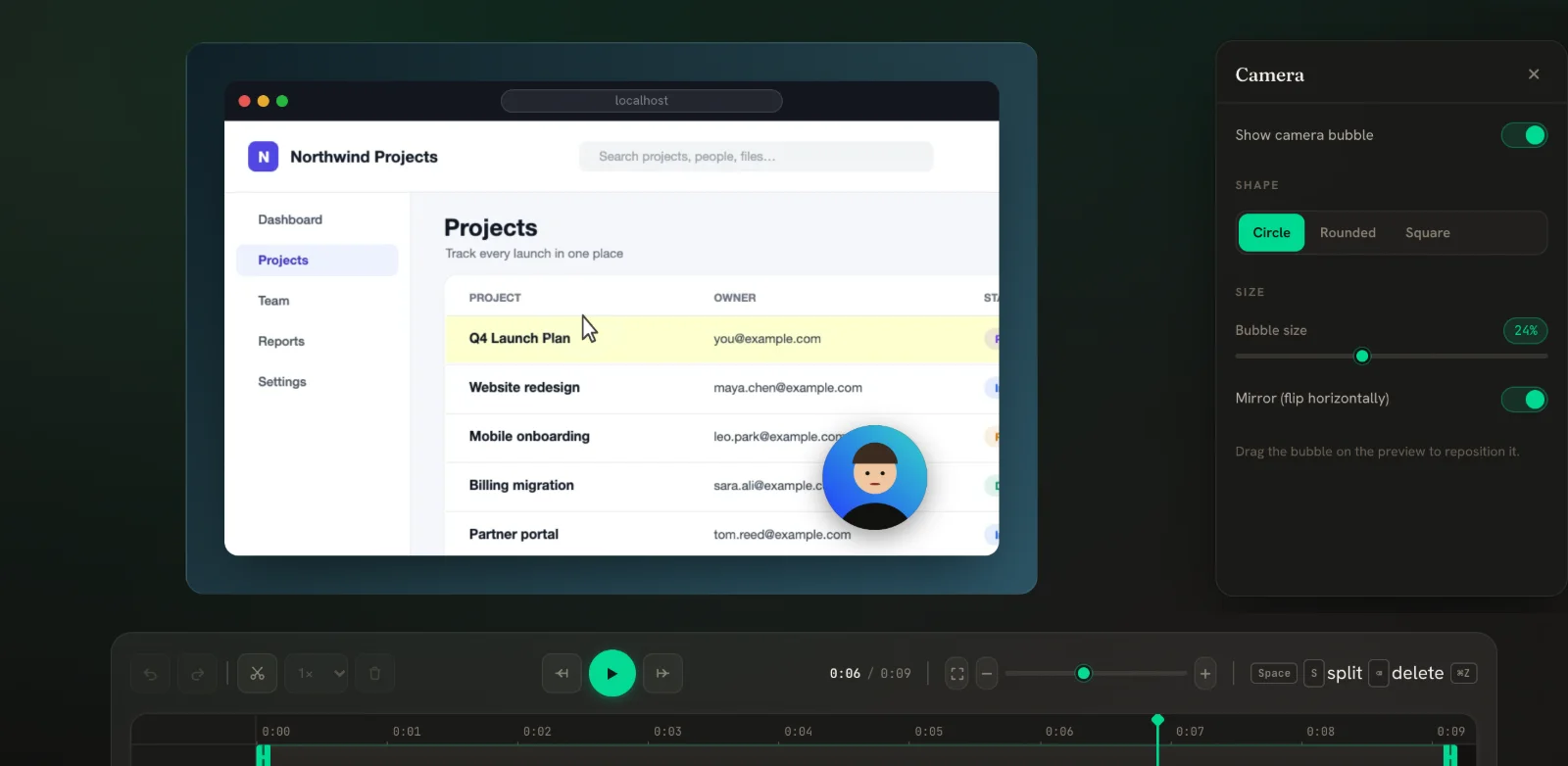 Webcam & microphone New in v0.5Record your voice and a webcam bubble, then reshape and move the bubble in the editor.
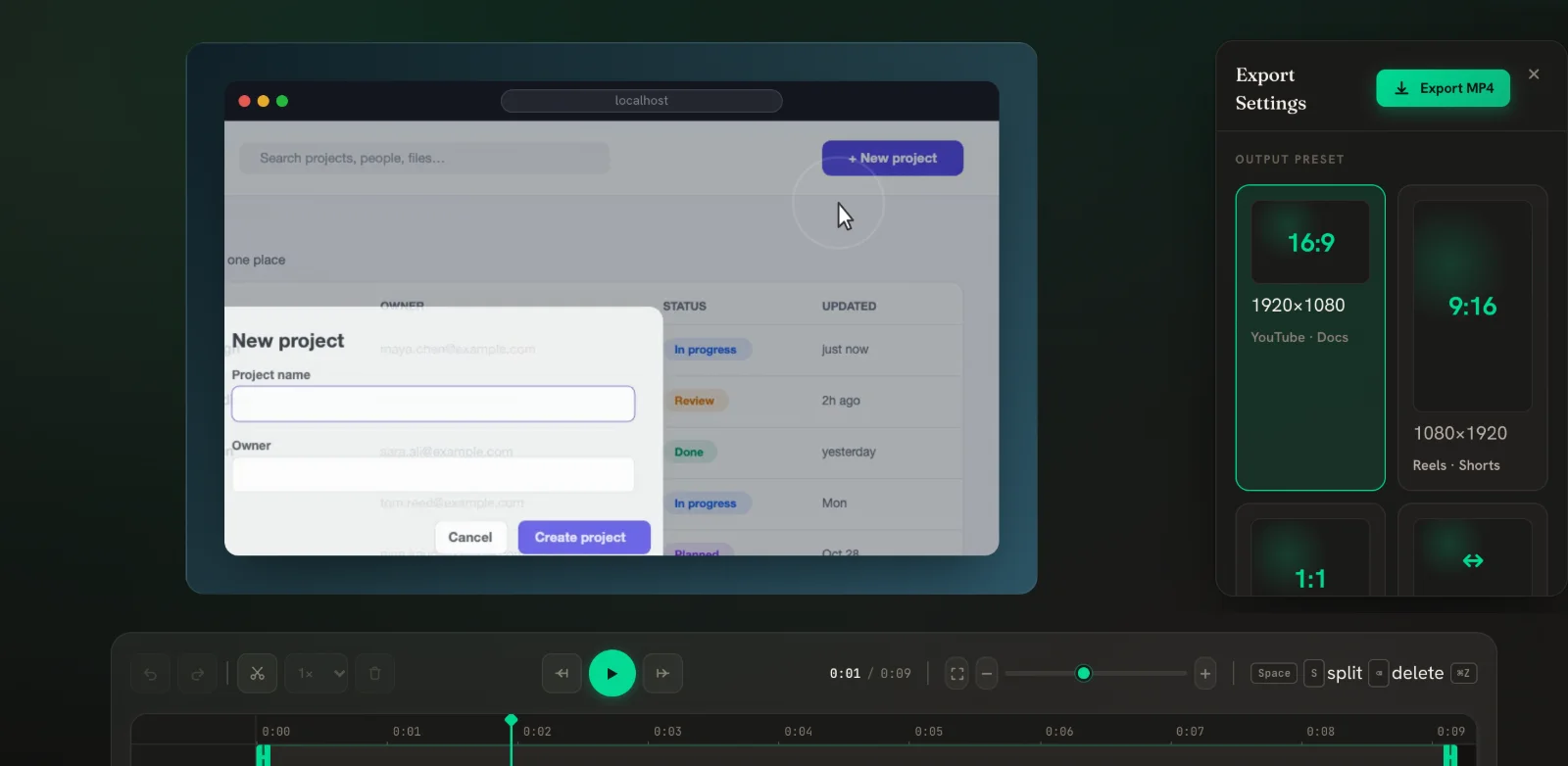 Export MP4, WebM & GIFPick a size for where the video will live, choose a format, and download.